


-
Multi-resolution & Ultra-wide Support— Capture Up to 4K60, 1440P 144, 1080P 240Hz with Passthrough, perfectly matching PS5, high-refresh gaming PC and ultrawide monitors. Whether you stream 4K gameplay from PlayStation 5, record smooth 1440P competitive matches or capture ultra-fluid 1080P 240FPS esports footage, the video capture card keeps original frame rate and complete screen ratio via lossless passthrough, no cropping or image compression during live streaming and video recording.
-
240Hz or 144Hz High Refresh Rate Support—Handles high-frame-rate input up to 2560×1440@144FPS and 1920×1080@240FPS. Supports video formats including MJPEG, YUY2, NV12, P010 and RGB, offering enhanced flexibility for various streaming and recording requirements. No drivers or external power required. Supports EDID, Max HDMI output resolution: 4096 x 2160@60Hz, support HDR VRR ALLM. Please use a USB 5Gbps or higher port to connect the device. USB 2.0 ports only support up to 1080P resolution.
-
Broadcast-Quality Recording in MJPEG—Capture stunningly clear and fluid video at up to 4K@60Hz and 1080P@240Hz in MJPEG format. This advanced compression delivers superior image quality ideal for professional streaming and recording, ensuring your content stands out from the crowd.
-
Flexible Audio Mixing with 3.5mm Port—Take complete control of your stream's audio with the dedicated 3.5mm audio port. Support both line-in audio for external sources and headset audio for easy voice chat capture, giving you professional-grade sound mixing capabilities in one compact device.
-
True UVC/UAC Plug & Play—As a standard UVC/UAC compliant device, this capture card requires no additional drivers or external power. Simply connect and start creating - it's automatically recognized by Windows, macOS, and Linux systems, working seamlessly with OBS Studio and other UVC-compliant software.
-
Universal Device & Software Support—Works with Switch/Switch 2, PS5/4, Xbox Series X/S, Steam Deck, Quest 3/3s, DSLR, Webcams, and PTZ. Compatible with OBS Studio, Streamlabs, VLC, PotPlayer, Zoom, YouTube, Twitch, Vmix, HDMI Link, MoniCon, QuickTime, XSplit and more. Suitable for online meetings, live streaming, screen capture, and video editing.
描述

BA-12 4K60fps Video Capture...
當此商品再次有庫存時,您將收到通知

按住並拖曳以檢視
Feedback from Youtubers


Description Download User Guide
- 🔥【4K60 & 1080P240 Capture / Ultra-Smooth Passthrough】Experience flawless gaming and recording with 4K@60Hz 1080P@240Hz video capture and zero-latency passthrough. Enjoy buttery-smooth high-frame-rate gaming on your monitor while capturing premium quality footage - the perfect balance for serious gamers and streamers. enhanced with VRR Technology, adaptive refresh-rate synchronization eliminates tearing, and input delays—delivering ultra-smooth, true-to-source motion even in fast-paced gameplay.
- 🎥【240Hz or 144Hz High Refresh Rate Support】Handles high-frame-rate input up to 2560×1440@144FPS and 1920×1080@240FPS. Supports video formats including MJPEG, YUY2, NV12, P010 and RGB, offering enhanced flexibility for various streaming and recording requirements. No drivers or external power required. Supports EDID, Max HDMI output resolution: 4096 x 2160@60Hz, support HDR VRR ALLM. Please use a USB 5Gbps or higher port to connect the device. USB 2.0 ports only support up to 1080P resolution.
- 🎥【Broadcast-Quality Recording in MJPEG】Capture stunningly clear and fluid video at up to 4K@60Hz and 1080P@240Hz in MJPEG format. This advanced compression delivers superior image quality ideal for professional streaming and recording, ensuring your content stands out from the crowd.
- 🎧【Flexible Audio Mixing with 3.5mm Port】Take complete control of your stream's audio with the dedicated 3.5mm audio port. Support both line-in audio for external sources and headset audio for easy voice chat capture, giving you professional-grade sound mixing capabilities in one compact device.
- 🔥【True UVC/UAC Plug & Play】As a standard UVC/UAC compliant device, this capture card requires no additional drivers or external power. Simply connect and start creating - it's automatically recognized by Windows, macOS, and Linux systems, working seamlessly with OBS Studio and other UVC-compliant software.
- 🎥【Universal Device & Software Support】Works with Switch/Switch 2, PS5/4, Xbox Series X/S, Steam Deck, Quest 3/3s, DSLR, Webcams, and PTZ. Compatible with OBS Studio, Streamlabs, VLC, PotPlayer, Zoom, YouTube, Twitch, Vmix, HDMI Link, MoniCon, QuickTime, XSplit and more. Suitable for online meetings, live streaming, screen capture, and video editing.
Specifications
INPUT
HDMI 2.0 (unencrypted), 3.5 mm analog audio in
OUTPUT
HDMI 2.0 (lag-free passthrough)
CAPTURE RESOLUTIONS
4K(3840*2160) 60
1440P(2160*1440) 144
1080P(1920*1080) 240
Ultra-wide
1440P Ultrawide to 60
1080P Ultrawide to 144
HDR10 PASSTHROUGH
Up to 2160p60
HDR10 CAPTURE
Up to 1080p60 (Windows only)
VRR SUPPORT
Yes
SKU: BV-001
What's in the box?

1. What are the key features and advantages of the BlueAVS capture card?
The BlueAVS capture card's core advantage is its exceptional value for gamers and content creators. Key features include:
☞High Refresh Rate Passthrough: Supports passthrough up to 1080p 120Hz, allowing you to enjoy buttery-smooth high-frame-rate gaming on your monitor while using the capture card.
☞Plug and Play: Simple setup process for easy connection between your console and computer.
☞Broad Compatibility: Works perfectly with PS5, Xbox Series X/S, Nintendo Switch, PS4, PC, and more.
☞High-Quality Capture: Captures clear and fluid video at up to 1080p 60fps, ideal for streaming and recording.
2. Does this capture card support 4K?
This card supports 4K resolution for passthrough, but the maximum capture resolution is 1080p 60fps. This means your console can output a 4K signal to your monitor, while the card captures a high-quality 1080p feed for streaming or recording. This strikes the perfect balance between a premium gaming experience and smooth streaming performance.
3. Can I use it with a Mac or Linux?
Yes! The BlueAVS capture card is UVC-compliant and compatible with macOS and major Linux distributions. You can use it directly in OBS Studio or other UVC-compliant software without needing to install additional drivers.
4. Why am I getting a black screen in OBS?
A black screen is usually caused by one of the following. Please check in order:
☞HDCP Protection: This is the most common cause. Make sure to disable HDCP in your PS5 or Xbox settings. (Path: PS5: Settings > System > HDCP; Xbox: Settings > General > TV & display options > Video fidelity & overscan > uncheck "Allow YCC 4:2:2").
☞HDMI Cable Issue: Ensure you are using the included High-Speed HDMI cable and that all connections are secure.
☞USB Port Issue: Connect the capture card to a USB 3.0 or higher port on your computer (typically blue or marked with SS).
☞OBS Settings: In OBS, ensure you have added a "Video Capture Device" source and correctly selected the "BlueAVS" device in its properties.
5. How do I achieve 120Hz passthrough? Do I need a special cable?
To achieve 1080p 120Hz passthrough, you need:
1. A monitor that supports 120Hz.
2. 120Hz output mode enabled in your console (PS5/Xbox Series X) settings.
3. A high-quality High-Speed HDMI 2.0 cable (the included cable supports this). Low-quality cables are a primary reason for failure to achieve high refresh rates.
6. Does the capture card require external power?
No. The card is powered directly from your computer via the USB connection and does not require an external power adapter.
7. Why is there no game audio in my recording/stream?
Please check the following settings:
☞In OBS: In the Advanced Audio Properties, ensure your BlueAVS capture card audio source is set to "Monitor and Output".
☞In Windows Sound Settings: Set the BlueAVS device as the "Default Device".
☞On your console: Ensure the audio output is set to output via HDMI.
8. I hear a buzzing or static noise in the background. What can I do?
Audio noise is often caused by power interference or software settings.
☞Recommended Solution: In OBS, add a "Noise Suppression" or "Noise Gate" filter to your capture card's audio source.
☞Change Audio Format: In Windows Sound Settings, right-click the BlueAVS device > Properties > Advanced, and try changing the "Default Format" to "2 channel, 16 bit, 44100 Hz (CD Quality)".
☞Check Grounding:Ensure your computer and console are properly grounded.
9. How can I record in-game party chat (like on PS5 or Xbox Live)?
Capturing in-game chat directly through the capture card can be complex. We recommend a more stable and higher-quality method:
Use PC-based Chat Software: Have your teammates use PC applications like Discord or Skype for communication. You can then set these apps as separate audio sources in OBS, resulting in clearer voice audio and individual volume control.
10. Why does my stream look choppy or blurry?
This is usually related to your computer's encoding capabilities or OBS settings, not the capture card itself.
☞Check CPU Usage: Live encoding is very CPU intensive. Close unnecessary background applications.
☞Adjust OBS Output Settings: In OBS 'Output' settings, try lowering the video bitrate. A good starting point for 1080p 60fps is 6000 Kbps.
☞Confirm Video Format: In the capture card source properties, set the resolution/frame rate to "Custom" and manually select "1920x1080" and "60fps".
11. Is it normal for the capture card to get warm during use?
Yes, mild to moderate warmth is normal and indicates the device is operational. The internal chips generate heat while processing the video signal. As long as the device is not too hot to touch or causing performance issues, there is no need for concern.
12. Where can I download the latest drivers and firmware?
For the best performance and compatibility, always visit the "Support" or "Downloads" section of the official BlueAVS website. We post all updates there as soon as they are available.
Recently viewed
Your Browsing History
c
Crystal Clear 4K Capture & Super Compatibility!
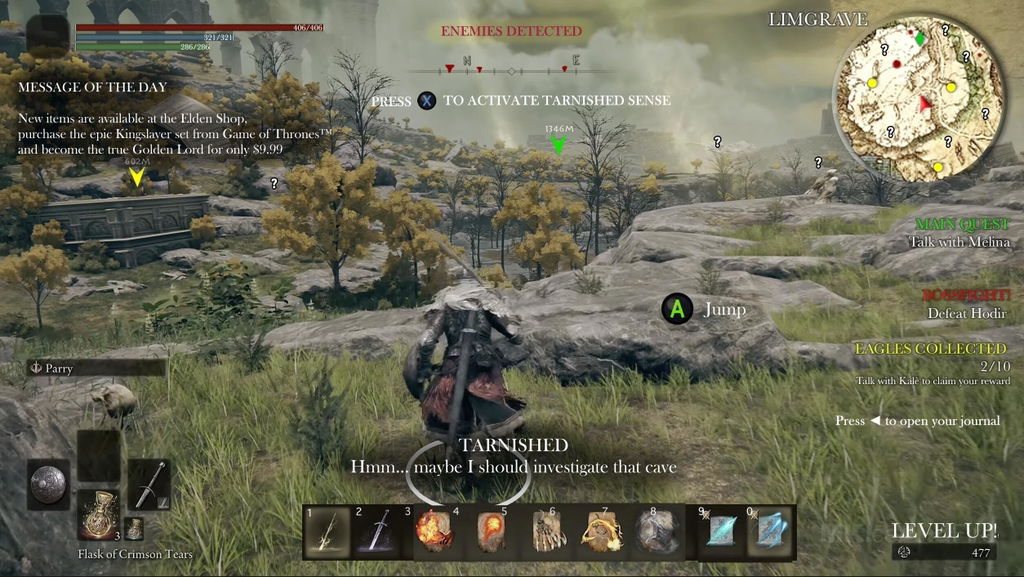
Tested with PS5, Xbox Series X/S, Switch, and even my Canon camera—all work great. 4K@60fps capture + 4K60 passthrough is exactly what I needed. HDR mode makes cinematic content look stunning; switching VRR off for older monitors is simple. USB-C & USB3.2 Gen 1 connectivity, compact aluminum build, stays cool after hours of use. Best budget 4K capture card !
R
4K60 HDR/VRR Works Perfect for PS5 & Xbox!
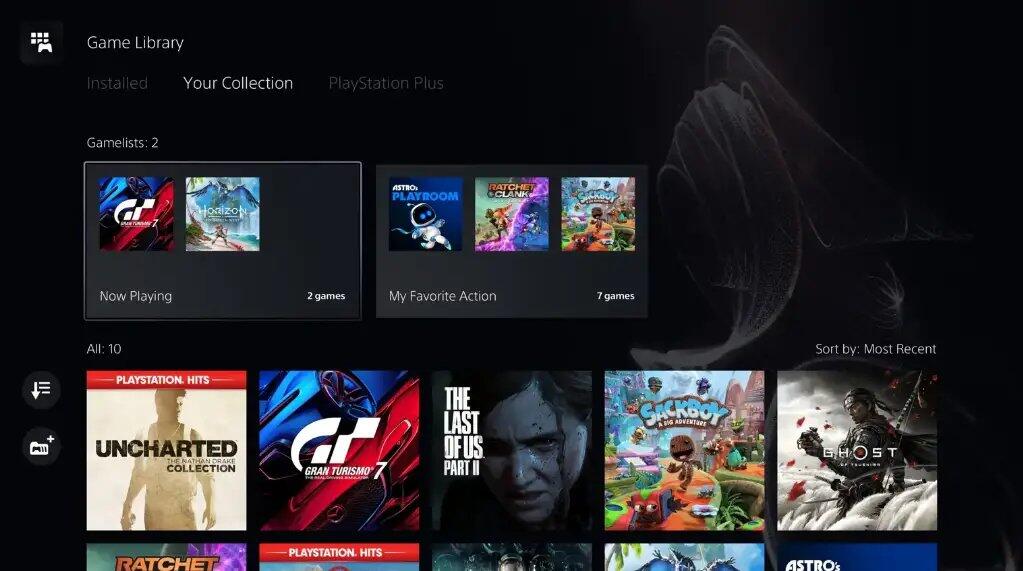
This BlueAVS capture card is a game-changer for my PS5 streaming setup. Plug-and-play on both Windows and Mac, no drivers needed. 4K@60fps passthrough with HDR & VRR ON/OFF works flawlessly—colors pop, zero screen tearing, and latency is barely noticeable(<100ms). USB 3.2 Gen 1 keeps data smooth even during 6-hour streams. OBS/Streamlabs recognized it instantly. Worth every penny!
B
Mario Kart + 4K 60Hz = pure perfection!

D
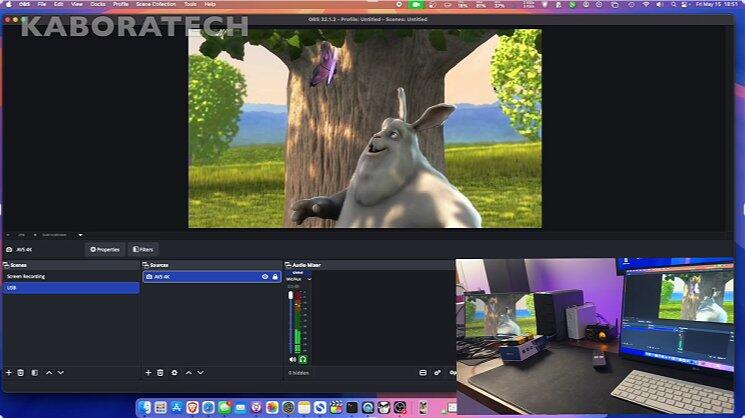
I stream Apex Legends daily, and 4K 60Hz capture holds up really well during intense fights.
s
very nice product.it actually work with recording 4k 60fps thank you blueavs for send me with free shipping. whithin two weeks it received.i hope next time also purchase
f
This the best capture card I use from the last one I had
D
This is the first capture card under $70 that can reliably provide 4k 60p capture, which is a major breakthrough that should put a lot of other manufacturers on notice. This does, however, come with one small caveat. While this card can capture and stream at these very high specs, it does so at the expense of latency, due to the use of a compressed video format to get around bandwidth limitations at 4k. The higher the resolution, the more latency is required for your computer to decompress the signal. That said, the card can perform very nicely at normal user specs (1080p/120 and even 1440p/60) over uncompressed formats, which makes for a responsive live playback experience (e.g,. turn a tablet or laptop screen into a monitor) with no perceptible latency when paired with quality software like Consolation. But once you move to the 4k resolutions, you can expect this card to be more suited as a conduit for recording/streaming in OBS rather than a live local endpoint, lest you get frustrated with the added latency.
The industrial design of the case is quite nice with a durable construction and a rubbery feel to give it good grip, in contrast to other capture cards that use metal enclosures prone to scraping the desk. Additionally, since it uses a female USB-3 port to connect to the host computer, you don't need to worry about a built-in cable getting damaged and rendering the device unusable. I do wish it were possible to turn off the rainbow LEDs while streaming, but is probably a nice touch for gamers who already have that effect on other equipment like keyboard backlights.
All-in-all, this is the most capable card available for the money and has quickly become my top recommendation for those willing to spend a bit more than your run-of-the-mill plug-and-play capture card. My kudos to the blueAVS team for getting this right.
A
This capture card works perfectly for my PS5 streaming! Zero‑lag performance, 4K60fps recording is super stable, no frame drops at all. Plug‑and‑play with Mac and Windows, super easy to set up. Great value compared to big‑name brands.